
Purpose
The article below provides instructions on the usage of the Book of the Week function
Covers: Setting the book of the week, adding future books of the week
Does not cover: Cataloguing or removing books
Instructions
Book of the Week is a news item that displays on the home page to promote a selected resource. It is only possible to set up one Book of the Week at any one time, although future books can be defined for coming weeks which means it does not have to be manually set each week.

- Opening the Book of the Week Interface
- Nominating a future Book of the Week
- Adjusting the Book of the Week order
- Forcing a new Book of the Week
Get the most out of Reading Cloud with our flexible training packages delivered at a level and pace that suits your needs. Find out more.
Opening the Book of the Week Interface
To open the Book of the Week interface, log into your library system and open Management.
On the menu bar at the top of the page, click 'Tools' then select 'Book of the Week...' from the menu.
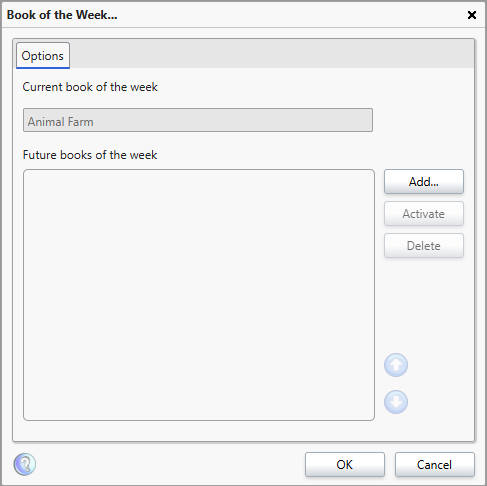
The 'Book of the Week' interface will open showing any current and future books.
Nominating a future Book of the Week
Once a book is nominated as a future book of the week, over the coming weeks the library application will automatically update the book of the week for you.
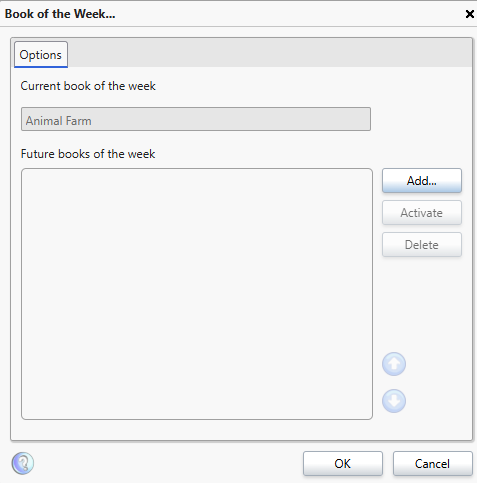
To add a book to the list, open the Book of the Week interface then click 'Add'.
A 'Find Resources' window will open. Type a phrase or word into the ‘Quick Search’ box and press Enter on the keyboard or click the green arrow to perform the search.
The results will display in the 'Find Resources' box.
Click on a title to highlight it and then click ‘Select’ at the bottom right. The title is then added to the 'Book of the Week' list.
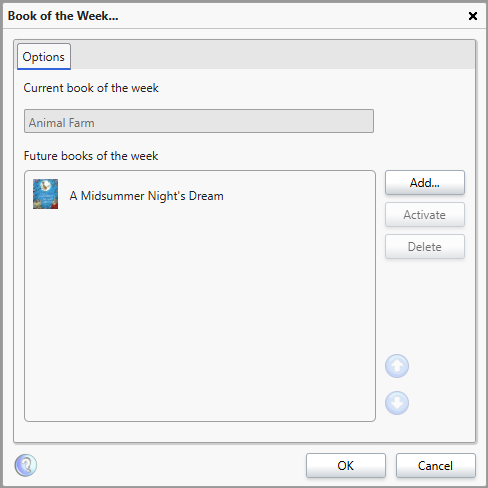
This process can then be repeated for as many books as necessary.
Adjusting the Book of the Week order
You can set the order in which the books automatically set as the book of the week, you do not need to add them in order, you can add them all in then set the order later.
The books showing under 'Future Books of the Week' are those next in line to become book of the week, starting at the top and working down.
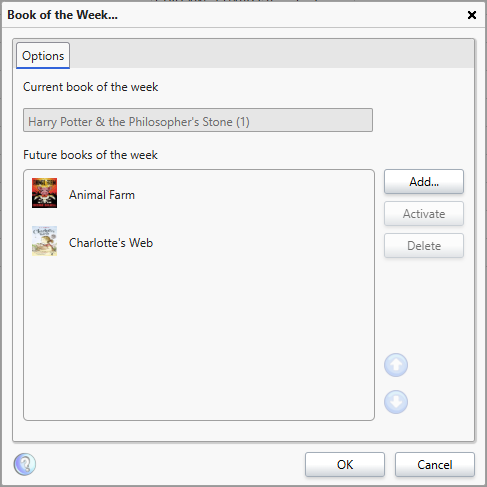
To rearrange the order, click the item so it is highlighted then click the up and down arrows on the right-hand side to adjust the position of the book, moving it up or down the priority order.
Forcing a new Book of the Week
It is possible to force a Book of the Week onto the Homepage, bypassing the currently active book entry, if for example a resource has become very popular recently.
In order to do this, the book must have first been added as a future Book of the Week.
Click a book in the list of 'Future books of the week' so it is Highlighted and click the 'Activate' button on the right.
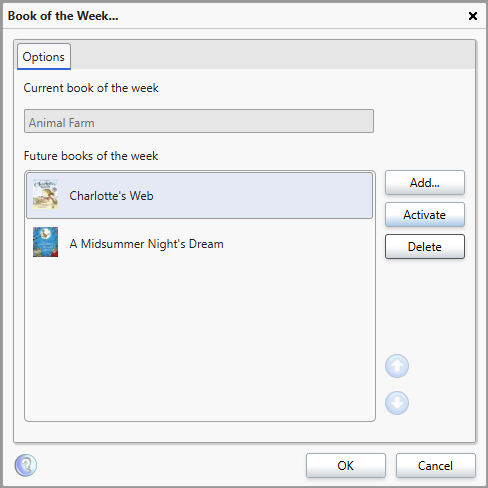
If the book you desire is not there, add it to the list first.
The Selected book will then show as the Current book of the week, and will no longer appear in the list of 'Future books of the week'.
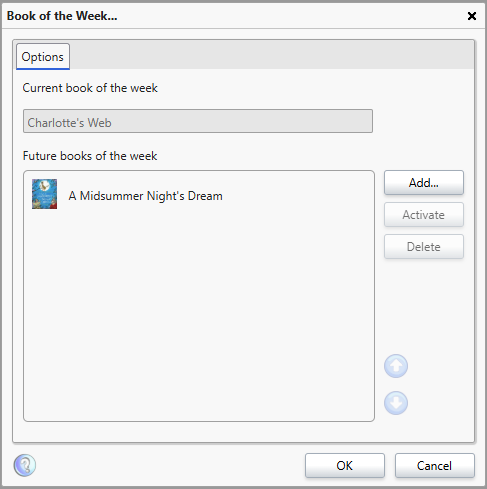
The changes will only appear on the homepage once the page has been reloaded/refreshed (F5).
How some of our other customers have phrased this
- How do I select Book of the Week?
- Can I change the book of the week?
- Is it possible to set up a list of books to automatically be set as Book of the Week?