
Purpose
To explain how the Management section can be opened, and give an overview.
Covers: Opening management
Does not cover: Permissions, password resets, site access, URL requests
Instructions
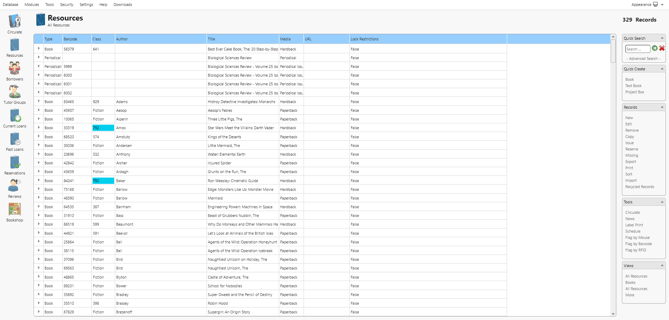
Loading the Management page is one of the first things you will want to do as a librarian. This is where most of the librarian functions are carried out, such as customising reminders, managing restrictions and adding resources.
When first accessing the library system, you should be logged out, log into the library system using credentials with either librarian or administrator level access. If you cannot remember your password, it can be reset for your junior or reading cloud system.
Once you are logged in you can access management using the relevant button, which may differ depending on your product.
If you are using the Junior Classic interface, you need to click 'Librarian Only'. The button will appear like this:
If you are using the Reading Cloud interface, you need to click 'Manage Library'. The button will appear like this (the colour will vary depending on your chosen theme):
If the button is greyed out or not visible, you are not logged in, or you are using an account with sufficient permissions. Use the 'Forgotten Password?' option to reset the password for the administrator account and you will then have access to management.
How some of our other customers have phrased this
- How do I open Management?
- What do I click on the homepage to get in to management?
- What is Management?
- What does the Librarian Only button do?
- What is the 'Manage Library' option for?